
Sales intelligence tools aren't one category anymore. How today's buyers evaluate them

Table of Contents:
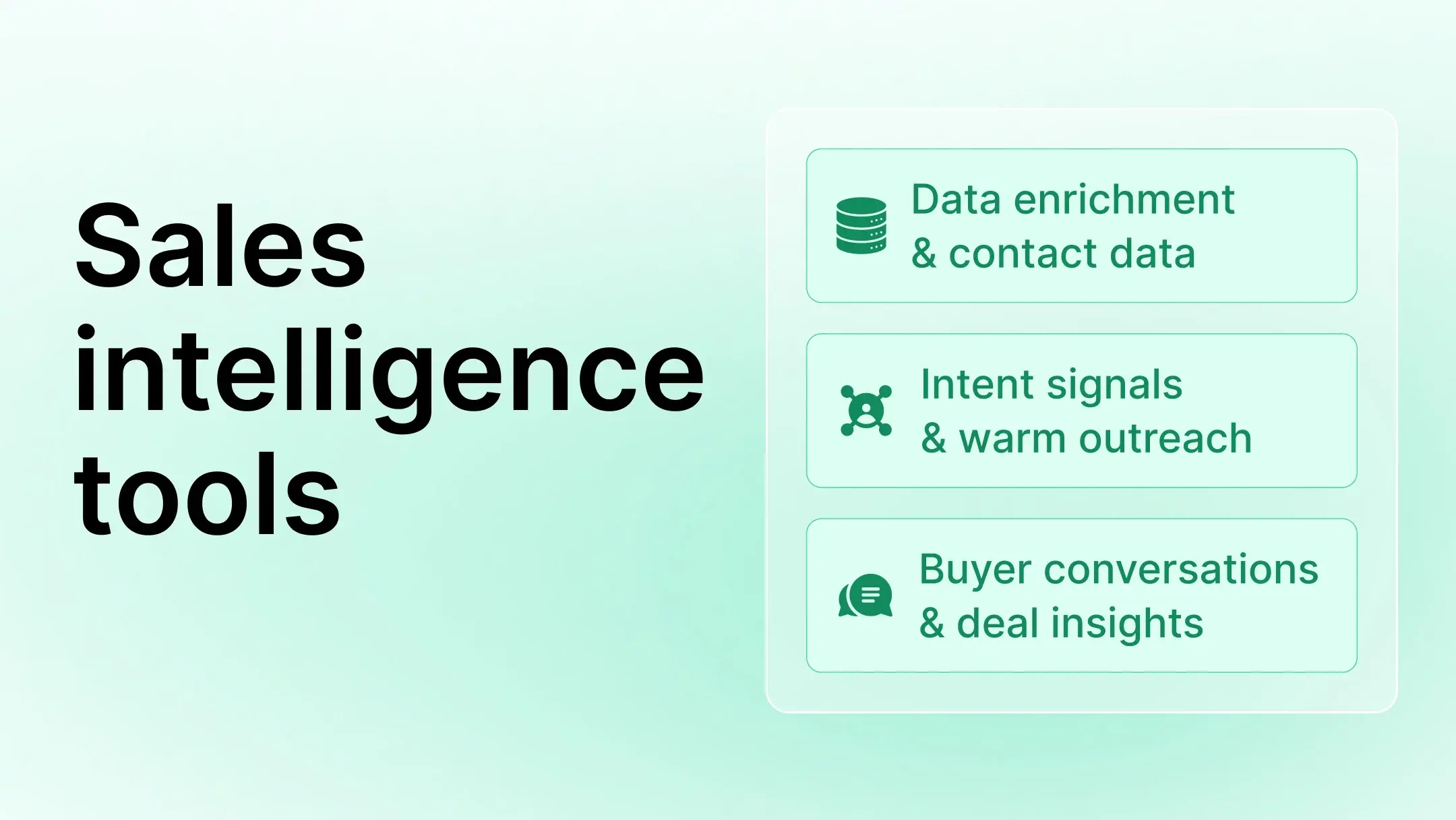
A decade ago, sales intelligence used to mean just databases.
It is 2026, and today’s sellers demand more. They need sharper signals across the sales cycle, right from identifying accounts, to spotting buying intent, to guiding execution in live deals. And along with that demand, sales intelligence expanded beyond its original scope.
Contact enrichment still plays a role, but it’s just one piece. The real advantage comes from knowing which signals actually show buyer readiness and which tools surface them at the right moment.
Here we break down those signals and the systems built to capture them.
How this list is organized
As the sales intelligence market grows rapidly, valued at $4.85 billion in 2025 and expanding at over 11% annually, tools have diversified widely in scope, making workflow coverage more important than feature count.
Today’s sales intelligence tools solve different problems depending on where buyers are in the funnel. That’s why this list doesn’t follow features; it follows signal type.
We have grouped each tool into one of three categories:
- Data enrichment & contact intelligence: Who to contact
- Intent & warm-signal intelligence: Who is already showing interest
- Conversation intelligence: What buyers are telling you
These tools often work better together. Trying to rank them on a single scale flattens key tradeoffs and leads to forced comparisons that don’t match how teams actually buy.
Let’s break down the categories.
Top sales intelligence tools for modern buyer signals
1. Data enrichment & contact intelligenceple before outreach begins.
These tools excel at access. They surface names, titles, firmographics, verified contact details, and, in some cases, additional context about a person'ss role in the buying process. They generally provide less visibility into whether an account is actively showing interest or what happens once a deal enters the pipeline.
ZoomInfo
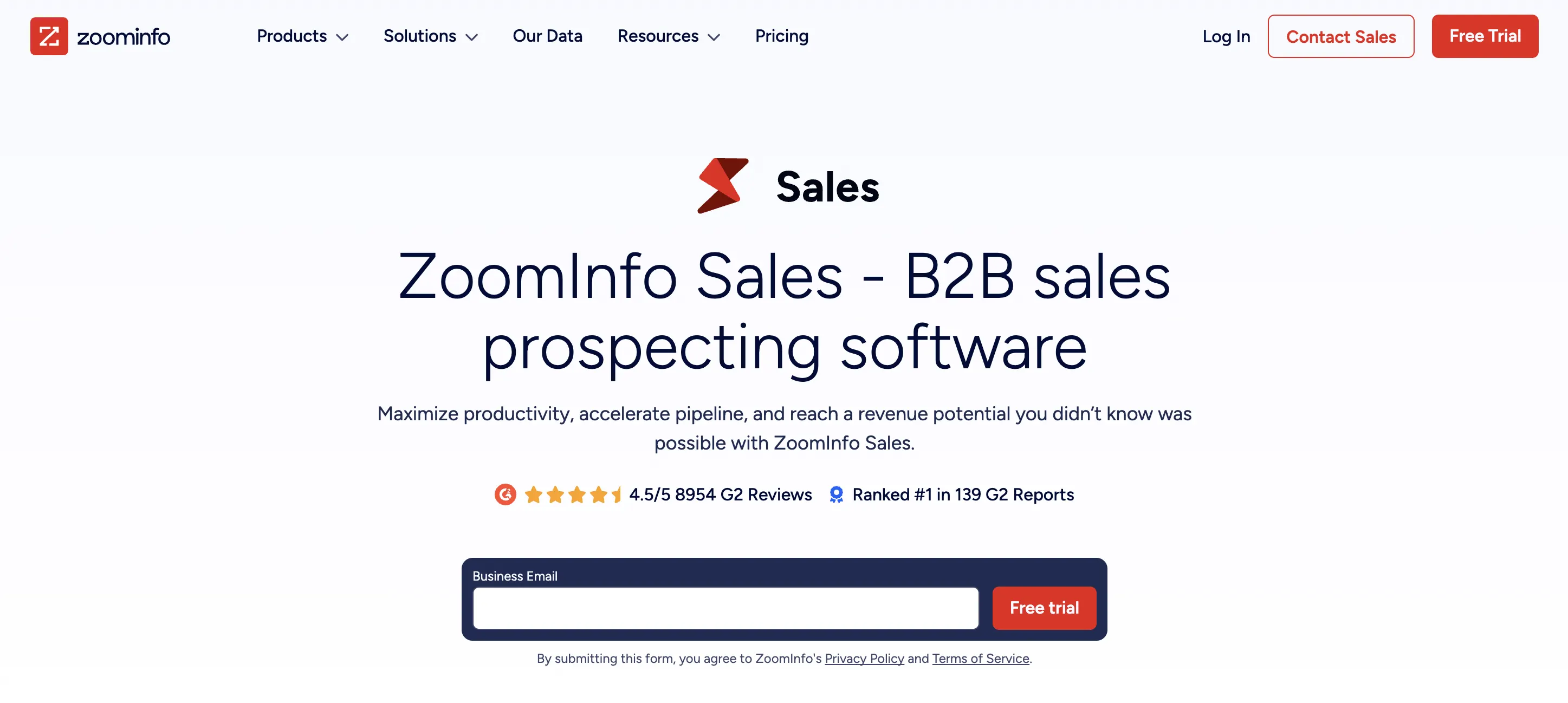
ZoomInfo is a B2B data platform that gives you access to a massive database of contacts and companies. It helps sales teams identify targets based on firmographic filters, job titles, tech stack, and more. It also supports workflows for enrichment, segmentation, and routing at scale.
Best for
Enterprise sales teams with RevOps support that prioritize volume and structured processes.
Notable limitations
It focuses on access and not on timing or intent. Signals stop at the contact level, and setup requires more ops support.
Pricing
ZoomInfo uses custom, sales-led pricing across Sales, Marketing, and Talent plans, with tiered packages (Professional, Copilot Advanced, Copilot Enterprise) based on data access, intent signals, AI features, and team size. Costs scale with usage, integrations, and GTM applications rather than flat per-seat rates.
When to choose
Choose ZoomInfo when you need broad coverage, data depth, and enterprise workflows and when you already have the ops team to manage it.
Apollo.io

Apollo.io combines a B2B contact database with built-in outbound sequencing. It’s designed to give outbound teams one place to find leads, launch sequences, and manage prospecting activity, all without switching tools.
Best for
SMB and mid-market outbound teams that want contact data and engagement in a single workflow.
Notable limitation
Apollo doesn’t track activity post-meeting. It lacks visibility into deal progress, rep coaching, or pipeline-level insights — making it less suited for active deal management or RevOps workflows.
Pricing
Apollo uses tiered, per-user pricing with a free plan and paid plans that scale based on credits, automation, AI features, and data usage. Costs increase with export volume, advanced workflows, and enterprise controls, rather than flat unlimited access.
When to choose
Choose Apollo when your team’s focus is top-of-funnel execution — and you want data and sequences in one system without heavy setup. It’s strong for outbound prospecting but doesn’t offer insight into what happens after the first reply.
Skrapp
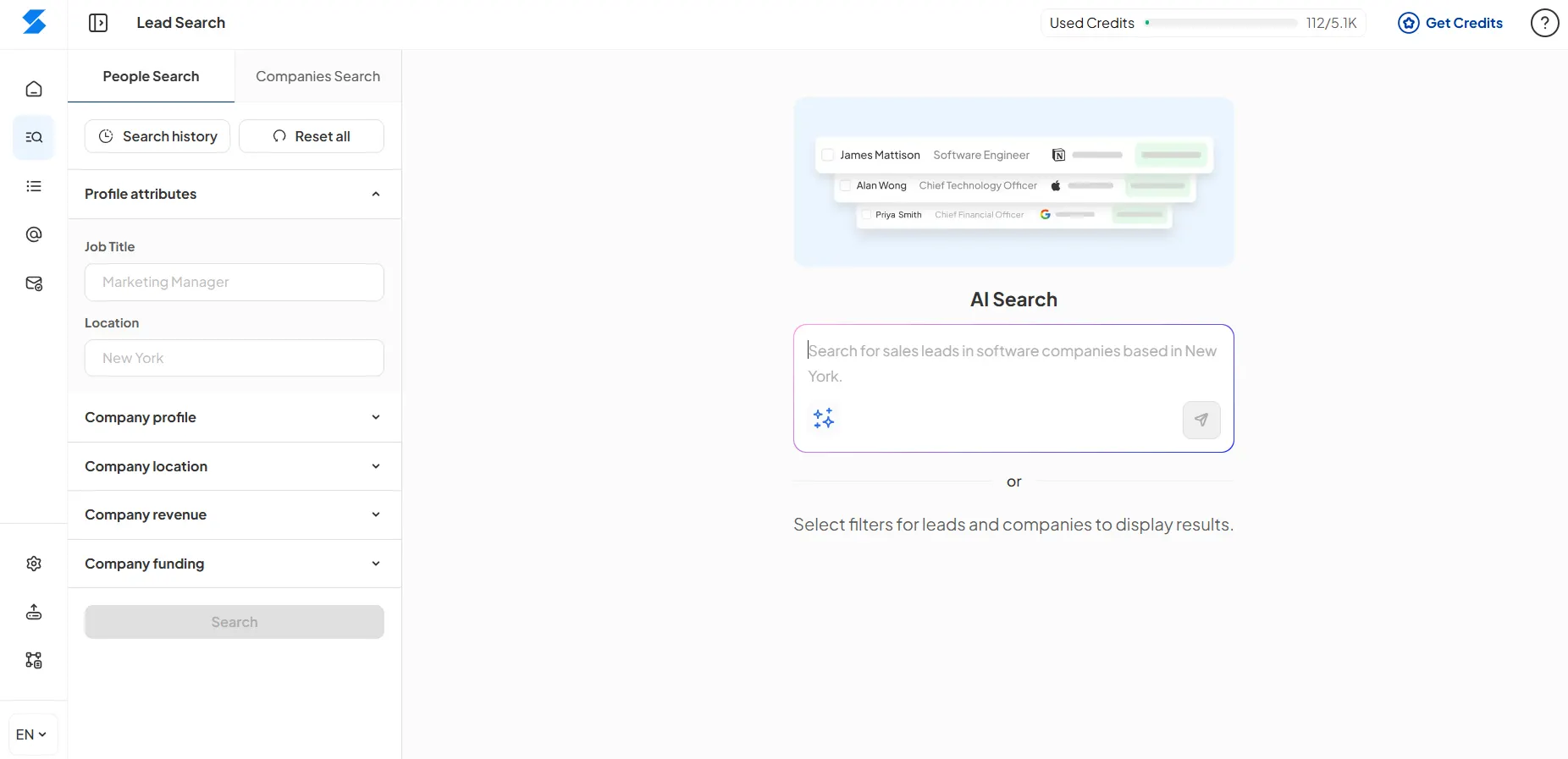
Skrapp is an email lookup and B2B data enrichment tool for SaaS teams that need to identify the right contacts at target accounts. Users can search by name, company, or domain, then verify addresses and enrich records before sending them to a CRM or outreach workflow. Its Chrome extension supports prospecting directly from LinkedIn and company websites, while bulk search, CSV export, CRM integrations, and API access help teams manage larger lists.
Skrapp’s AI Fields add further context to each record, including buying role, function, and seniority. This helps teams distinguish likely decision-makers from other employees with similar job titles and prioritize contacts more deliberately.
Best for
B2B SaaS, SMB, and lean outbound teams that need verified professional contact data and practical context for account-based prospecting.
Notable limitations
Skrapp is strongest at contact discovery and enrichment before outreach begins. It does not provide website intent signals, community activity tracking, conversation intelligence, or native outbound sequencing.
Pricing
Skrapp uses credit-based self-serve pricing, with a free plan that includes 50 credits and paid plans starting at $39/month. Costs scale based on monthly search, verification, and enrichment volume, as well as the team features included in each plan.
When to choose
Choose Skrapp when you need to identify the right people inside target accounts, verify their contact details, add role-level context, and move clean records into your CRM or outreach workflow.
Cognism
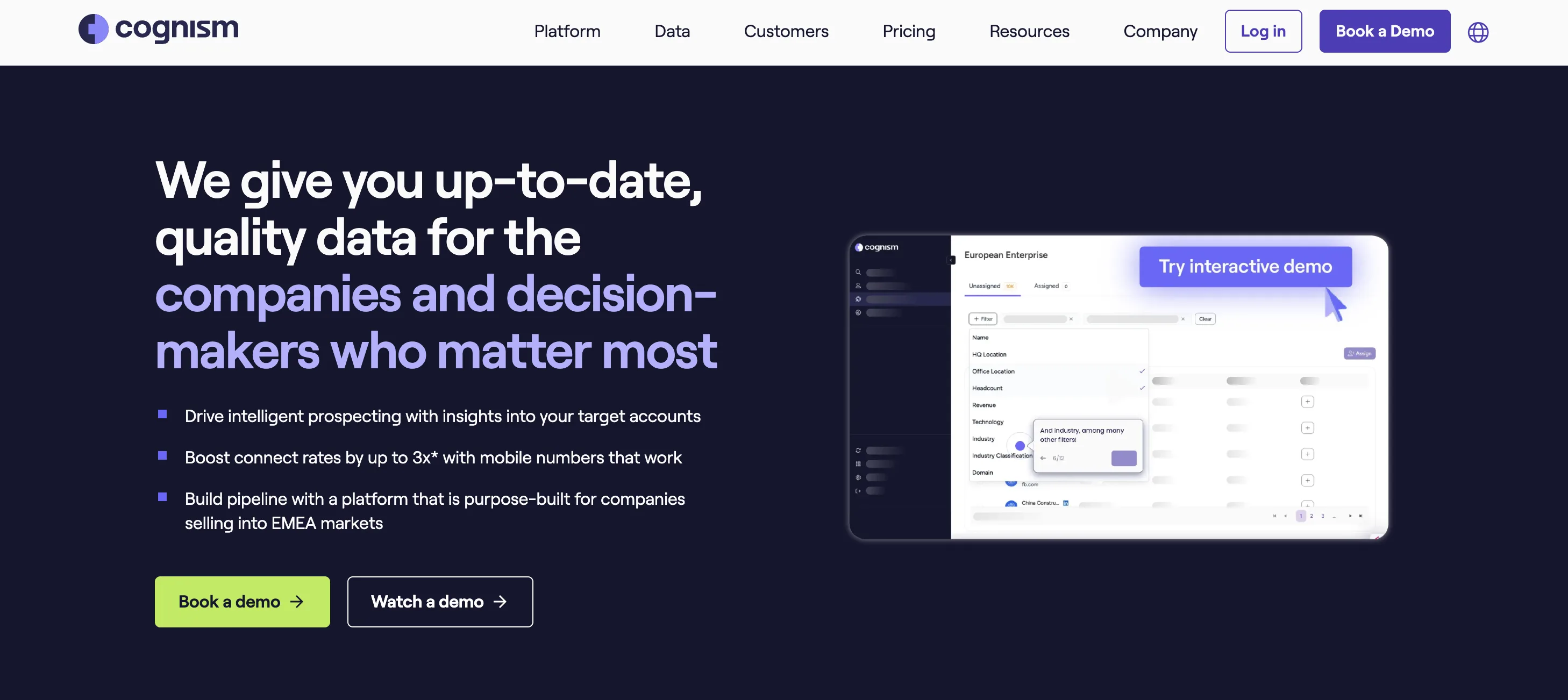
Cognism is a sales intelligence platform focused on GDPR-compliant B2B contact data, with strong coverage across EMEA markets. It’s built for teams that prioritize legally sourced data in regulated or privacy-sensitive environments.
Best for
Sales teams operating in EU or compliance-heavy regions where data sourcing standards matter.
Notable limitations
Cognism is focused on data access. It doesn’t offer execution workflows, post-meeting intelligence, or rep-level visibility — making it less suitable as a full sales engagement solution.
Pricing
Custom, quote-based pricing with seat-based packages (Grow and Elevate). Pricing depends on data scope, add-ons (e.g., Diamonds on Demand, intent topics), and is finalized through a sales-led process.
When to choose
Choose Cognism when regulatory compliance and clean data sourcing are your top priorities — especially for outbound teams targeting EMEA. It’s a strong enrichment provider, but its value ends at contact delivery.
LinkedIn Sales Navigator
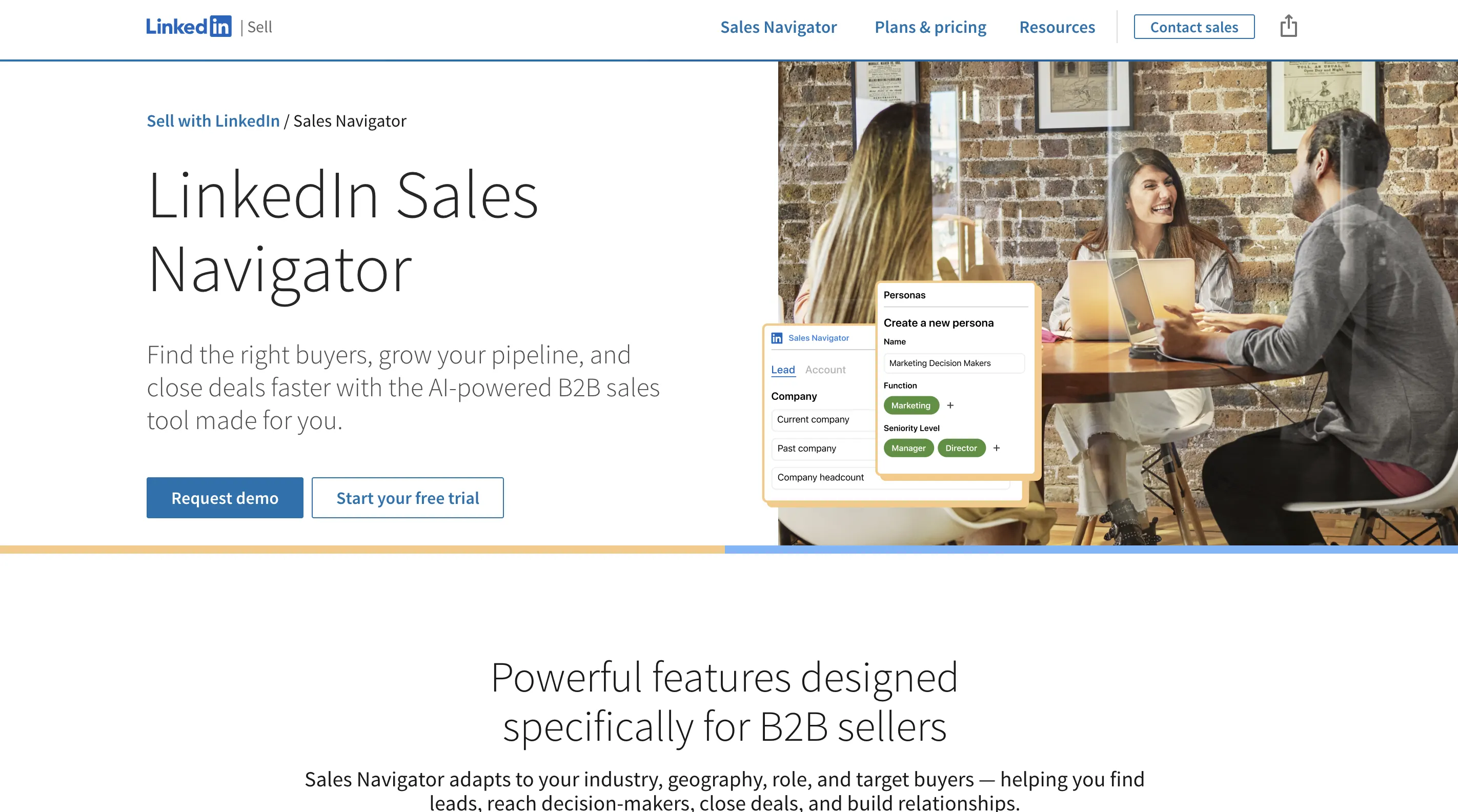
LinkedIn Sales Navigator gives sales teams access to a rich database of professionals, filtered by role, industry, activity, and company data. It’s optimized for relationship-based prospecting using LinkedIn’s native network data.
Best for
Outbound teams that prioritize social selling and want to identify and engage contacts directly through LinkedIn.
Notable limitations
It doesn’t track behavior outside the LinkedIn ecosystem. No support for intent data, signals from other channels, or multi-threaded deal visibility.
Pricing
Medium. Tiered plans (Core, Advanced, Advanced Plus) based on team size and features.
When to choose
Use Sales Navigator when your team uses LinkedIn as a primary outreach channel and needs verified contact visibility without broader signal aggregation.
Amplemarket

Amplemarket combines contact data, outbound sequencing, and email automation in one platform. It’s built to run high-volume outbound directly from the tool without relying on separate data sources or engagement platforms.
Best for
Outbound teams that want to execute prospecting campaigns without managing multiple tools.
Notable limitations
The platform is outbound-centric. It doesn’t offer visibility into inbound signals or broader account behavior.
Pricing
Amplemarket uses tiered, sales-led pricing with Startup plans starting at ~$600/month (annual) and Growth and Elite plans offered via custom pricing. Costs scale by users, contact volume, and AI-driven outbound capabilities rather than per-credit enrichment alone.
When to choose
Use Amplemarket when your GTM motion is driven by outbound and you want data and execution in one place.
2. Intent & warm-signal intelligence
These tools focus on activity signals. They help you see who is already engaging — not just who fits your ICP. That includes website visits, community participation, and in some cases, product usage or social signals.
Clay
Clay is a sales intelligence orchestration platform that connects multiple data and intent sources into one customizable workflow. It doesn’t just give you a single dataset, it lets you design how signals are pulled, combined, and routed across your stack.
Best for
RevOps and sales teams building a flexible GTM system with multiple data sources and evolving workflows.
Notable limitations
Clay is highly flexible, but less opinionated. You’ll get the most value if you already have a strategy for how signals should drive action.
Pricing
Clay offers flexible, credit-based pricing across self-serve and enterprise plans — starting at $134/month and scaling with usage, rows processed, and features like AI workflows, integrations, and web scraping. No subscription is required; you pay for what you use, with discounts at higher tiers.
When to choose
Use Clay when you want to unify enrichment, intent, and signals from different sources — and adapt your workflows over time.
Common Room
Common Room helps you track buying signals across community and product engagement. It connects with platforms like Slack, Discord, GitHub, and LinkedIn to surface accounts that are actively participating or showing interest.
Best for
PLG, DevTools, and community-led teams that rely on non-traditional channels for pipeline signals.
Notable limitations
It focuses heavily on community and product use cases. Teams without active communities may see limited signal coverage.
Pricing
Common Room offers tiered, seat-based pricing starting at $1,000/month (billed annually), scaling by contact volume, signals tracked, and integrations. Enterprise plans are customized and include advanced features like RoomieAI™, Person360™, and dedicated success support.
When to choose
Choose Common Room when your target buyers are active in community spaces and early product interactions drive your GTM motion.
Warmly

Warmly identifies anonymous and known website visitors and shows what they’re doing on your site. It gives your team visibility into account activity, frequency, and engagement patterns so you can prioritize outreach.
Best for
Inbound-focused and ABM teams that want to act on website signals in real time.
Notable limitations
Signals are based only on web behavior. It doesn’t offer broader context from product use, conversations, or community activity.
Pricing
Warmly offers annual, sales-led pricing starting at $30,000/year for either Inbound or TAM motion, with a unified GTM option for full-funnel orchestration. Add-ons like AI SDRs and lead callers are available, and plans scale based on contact volume, automation depth, and real-time signal usage.
When to choose
Use Warmly when your website is a key demand channel and you need to see who’s showing buying behavior before they fill out a form.
3. Conversation-led revenue intelligence
This category connects what buyers say in meetings to how revenue teams manage pipeline, coach reps, and improve forecast accuracy. Instead of separating call insights from deal execution, conversation-led revenue intelligence brings them into a single view.
For RevOps, this means less guesswork. You get real-time visibility into rep behavior, deal health, and methodology adherence — without chasing down subjective updates or stitching together tools.
Avoma
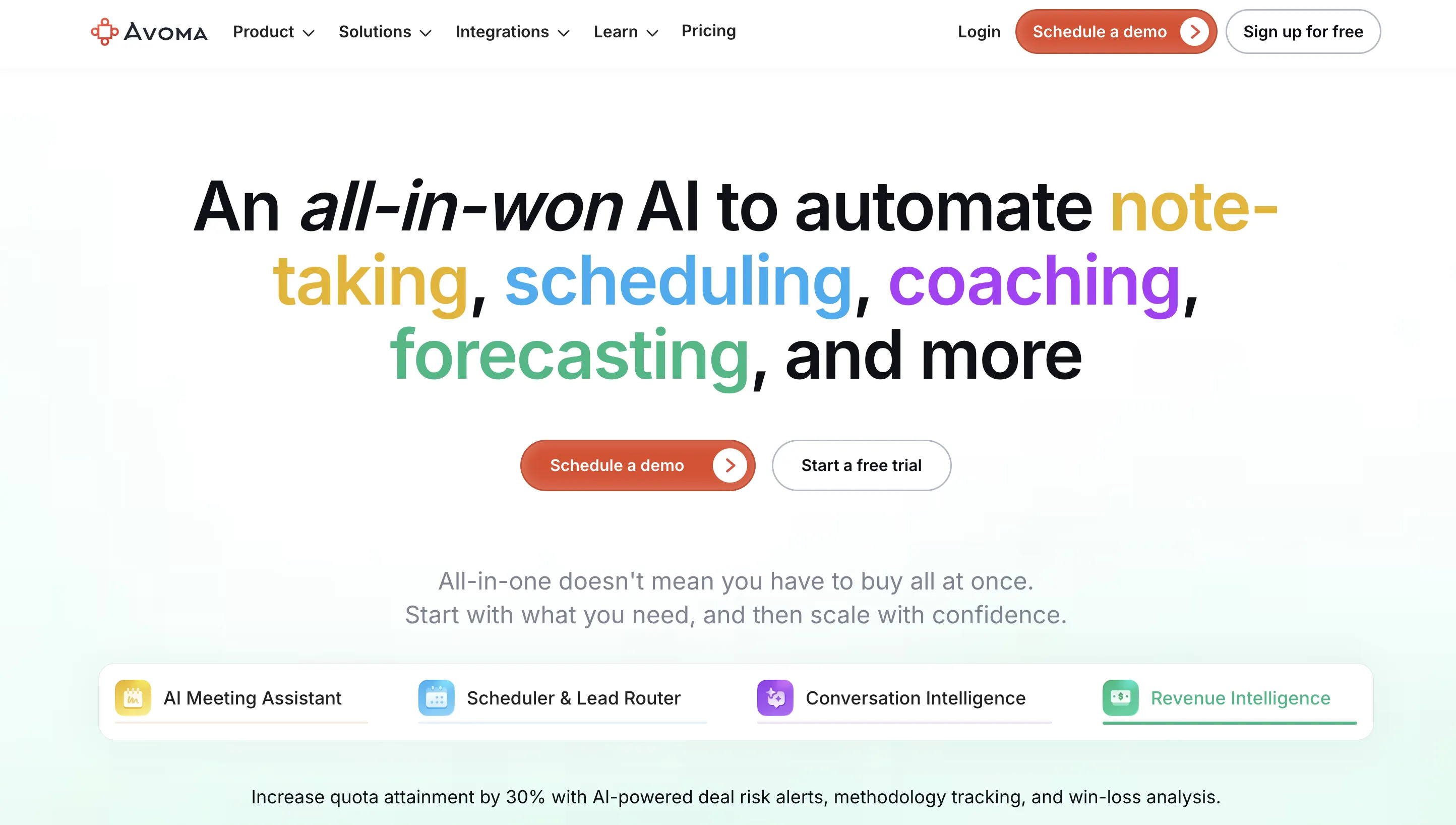
Avoma is a unified platform for conversation and revenue intelligence. It captures every meeting, automates call scoring, and surfaces risks across your pipeline — all powered by AI. It also tracks sales methodology, flags coaching opportunities, and updates CRM fields automatically.
Best for
RevOps and revenue teams that want to drive pipeline accuracy, improve rep execution, and reduce tool sprawl.
Notable limitations
Avoma focuses on real-time execution and coaching. It’s not designed for financial modeling or long-range forecasting at the CFO level.
Pricing
$29/user/month per add-on (Conversation or Revenue Intelligence). Usage-based scaling, with full-feature free trial.
When to choose
Choose Avoma when you need deal-level visibility grounded in real sales activity — not just CRM status fields. It’s ideal for RevOps teams building repeatable, data-driven systems around pipeline reviews, win-loss analysis, and rep development.
While platforms like Gong and Chorus focus heavily on forecast rollups and post-call transcription, Avoma is built for execution-level intelligence — helping teams coach reps, track methodology, and spot deal risk in real time.
Sales intelligence tools overview
Each tool addresses a different piece of buyer readiness, and can be combined for deeper signal coverage.
How to choose the right sales intelligence stack
Start with the signal you’re missing. Each tool maps to a different stage and type of insight.
- If you need contacts → choose a data enrichment tool
- If you need timing and readiness → use intent and behavioral signals
- If you need deal insight → add conversation intelligence
- If you need a complete picture → combine multiple tools in one system
The strongest sales teams layer tools that complement each other. Signal depth matters more than tool count.
Many teams route multiple signal sources into a workflow engine like Clay or layer intelligence into their CRM using tools like Avoma.
Sales intelligence stack combinations
- Clay + Avoma + Salesforce: Orchestrate signals and conversations into CRM workflows for full-funnel visibility.
- Clay + Warmly + Salesforce: Unify web intent and enrichment data in a flexible CRM-driven workflow.
- Common Room + Avoma + HubSpot: Connect community activity, conversation insights, and campaign execution in one stack.
- Apollo + Clay + Pipedrive: Run high-volume outbound, enrich mid-funnel signals, and manage it all in a lean CRM.
- Skrapp + HubSpot + Avoma: Find and verify the right contacts before outreach, manage accounts and opportunities in HubSpot, and add conversation and deal intelligence once prospects enter the active pipeline.
- ZoomInfo + Avoma + Clari: Combine scale, deal intelligence, and forecasting precision for enterprise GTM.
- LinkedIn Sales Navigator + Warmly + Clay: Match verified prospects with real-time activity and route them automatically.
Intelligence quality beats data volume
Sales intelligence used to be about collecting more data. Now it’s about choosing the right signals and building a stack that fits your motion.
Each tool in this list solves a different piece of the puzzle. The smartest teams aren’t looking for a single winner. They’re building a system that gives them better visibility, faster action, and tighter execution.
Frequently Asked Questions
Sales intelligence tools help B2B sales teams collect and apply information about buyers, accounts, and sales activity. Modern tools range from contact data platforms to systems that support deal execution and coaching.
Tools that embed intelligence into meetings, CRM updates, and follow-up workflows are best for deal execution. Avoma is designed specifically for this stage of the sales cycle.
Data-first tools focus on contact data, enrichment, and prospecting. Execution-focused tools apply intelligence during meetings, deal management, and coaching after conversations begin.
Many teams use both. A data tool supports prospecting, while an execution-focused platform supports meetings, CRM hygiene, and deal progression.
Avoma is a sales intelligence platform that uses conversation data to support execution, CRM workflows, and coaching for reps and managers.
Yes. ZoomInfo provides contact, company, and intent data used primarily for outbound prospecting and top-of-funnel activities.
It depends on whether the team needs contact data alone or outbound execution in the same platform. Skrapp is suited to lean B2B teams that need to find and verify professional contacts, add role-level context, and send clean records into an existing CRM or outreach tool. Apollo.io combines contact data with built-in sequencing, making it better suited to teams that want prospecting data and outbound execution in one system.
Avoma is used by sales and revenue teams as a sales intelligence platform that applies insights from sales conversations directly to CRM workflows, follow-ups, and deal execution.
Execution-focused sales intelligence tools like Avoma cover the full workflow, from scheduled meetings and conversations to CRM updates, deal tracking, and coaching.
Platforms like Avoma support both reps and managers by providing execution-stage intelligence across meetings, deals, and coaching.


Dive into Our Latest
Avoma Insights.



What's stopping you from turning every conversation into actionable insights?


