New in Avoma’s desktop app: Botless recording, live notes, and live coaching

Explore

Avoma for desktop

Download the Avoma desktop app

Whether it’s scheduled, impromptu, or in person, Avoma records every conversation without a bot.

Apple Silicon · macOS 12+

See what’s new
Download for Mac

Apple Silicon · macOS 12+

What’s new

You’re on a phone. The desktop app runs on Mac and Windows, so grab the mobile app above, or open this page on your computer.

Product Screenshot
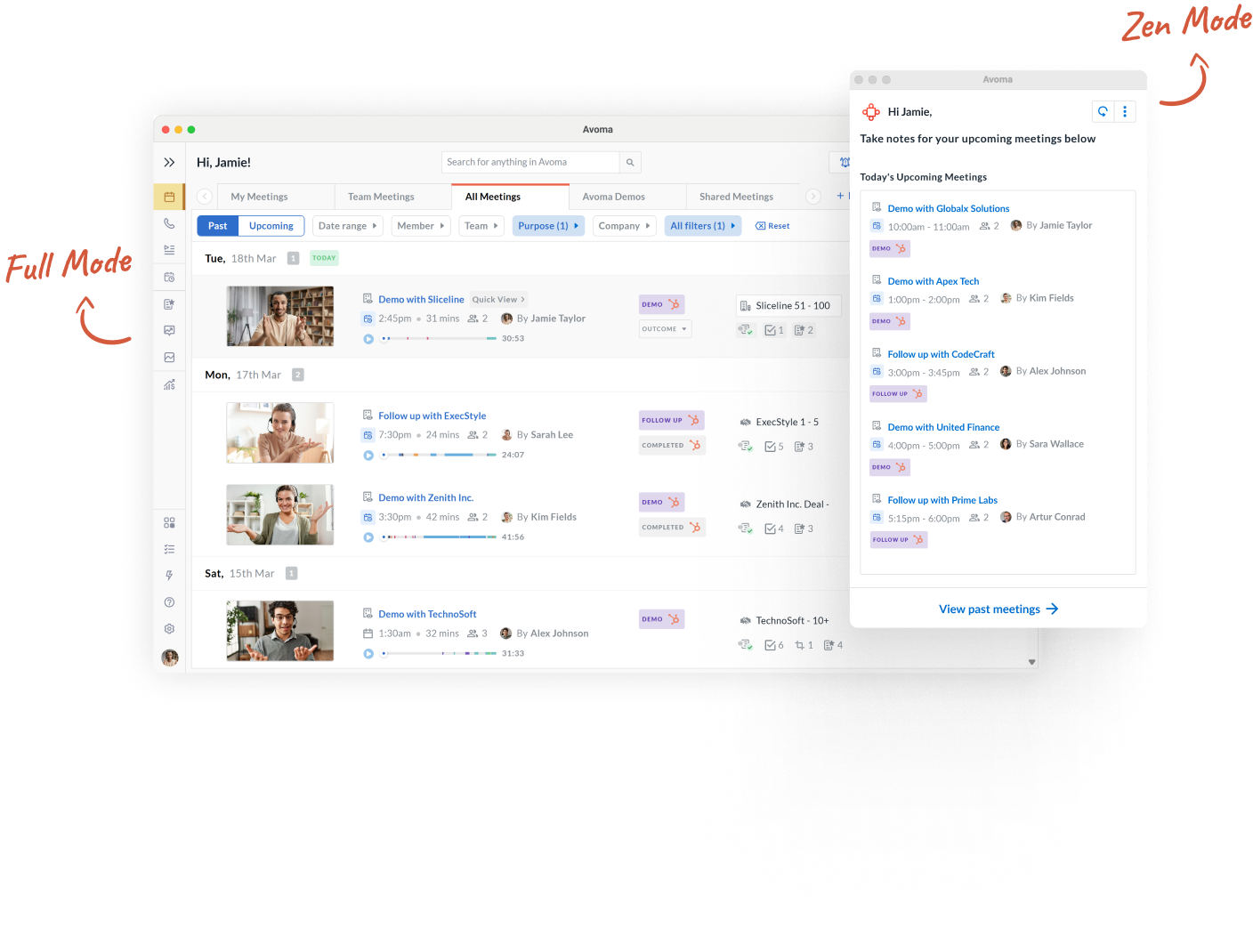
Existing desktop app image — Full Mode with Zen Mode panel
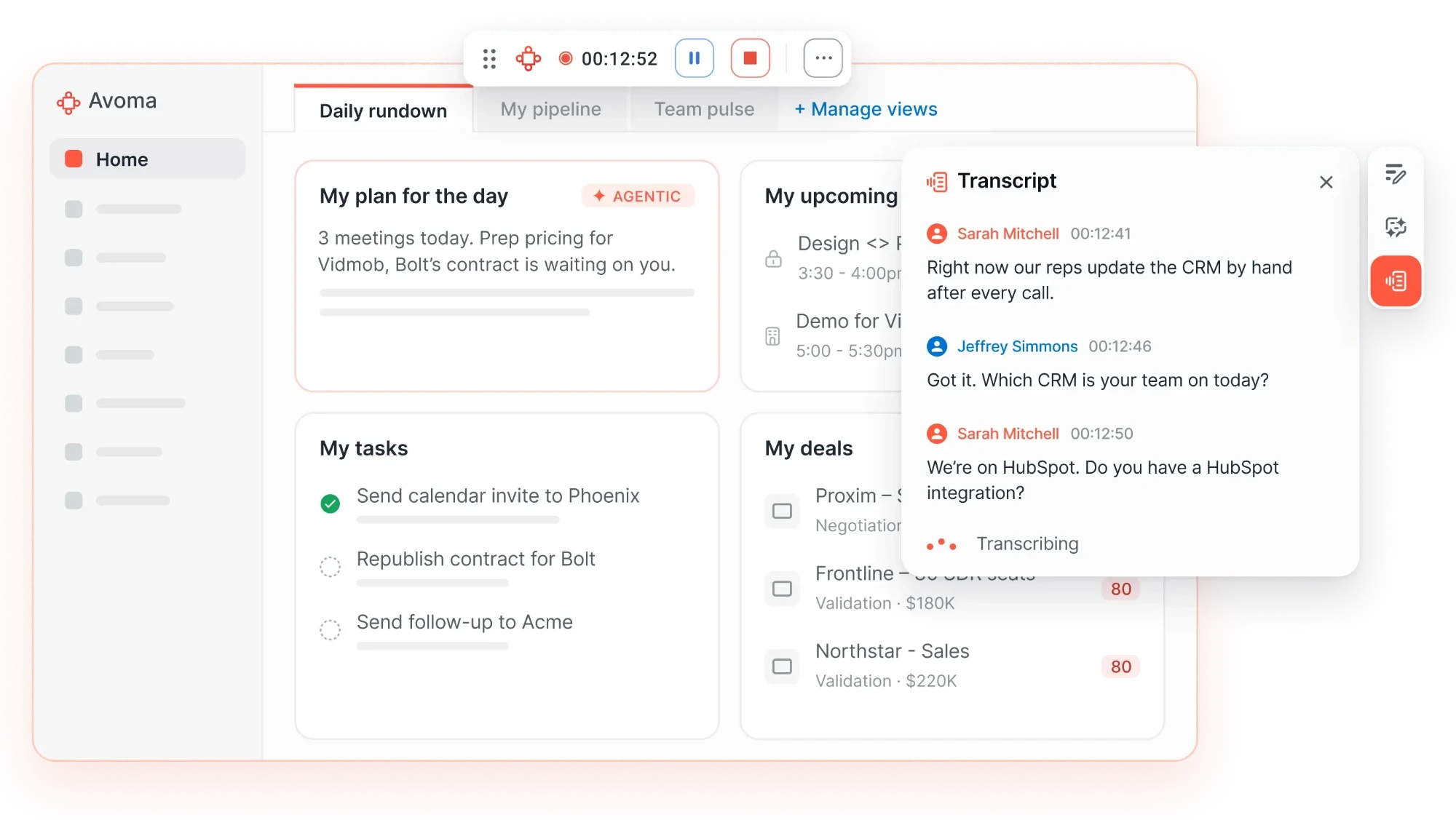
Avoma desktop app recording a meeting, with a live transcript panel beside the Avoma home dashboard

Capture every conversation, right on your desktop

Record meetings without a bot

Start recording from your Mac menu bar or Windows system tray. Play the optional announcement to let people know you’re recording. When you stop, your recording, transcript, and AI notes are in Avoma.

Keep up with live transcript and notes

Follow a live transcript beside your meeting, with who said what. Scroll back to anything you missed. Live notes show the transcript and AI notes beside your meeting as you talk.

Get live coaching during meetings

When a buyer brings up an integration, a competitor, or an objection, Avoma puts answer cards and methodology prompts on the screen while the buyer is still talking, so you can talk confidently.

Ask Avoma anytime during meetings

With Ask Avoma, you type any doubts during the call and get the answer from past conversations, emails, and CRM records. It stays hidden from everyone else on the call, so the conversation never stalls.

Release notes

What’s new

Everything that shipped in the latest version of the desktop app.

Version 0.2.6

Latest

Released Sep 30, 2026

New: Ask Avoma during live recordings

Users can ask Avoma questions while a meeting is being recorded, without leaving the recording overlay.

  • Ask questions in the recording overlay and get answers based on what's been said so far in the meeting.
  • Get suggested prompts in the Ask Avoma panel to help you get started.
  • Ask Avoma for live meetings is available on the Organization plan and above.

Improvements

  • The Ask Avoma panel can be resized, and answer-card links are easier to open.
  • Security and stability improvements.

Showing notes for the current release only.

Download for Mac

Also available on

Take Avoma with you on your phone and in your browser.

Get Avoma on your desktop

Get Avoma on your desktop

Get Avoma on this device

v0.2.2 · macOS 12+ · Apple Silicon · Also on Windows

Download for Mac

New in Avoma’s desktop app: Botless recording, live notes, and live coaching

Explore

Download Avoma

Whether you're at your desk, on the go, or in the browser, Avoma is ready to capture every conversation.

Desktop App

Switch between Zen Mode for distraction-free note-taking or Full Mode for the complete Avoma experience.

Mobile App

Catch up on calls, review notes, and record meetings on the go.

Chrome Extension

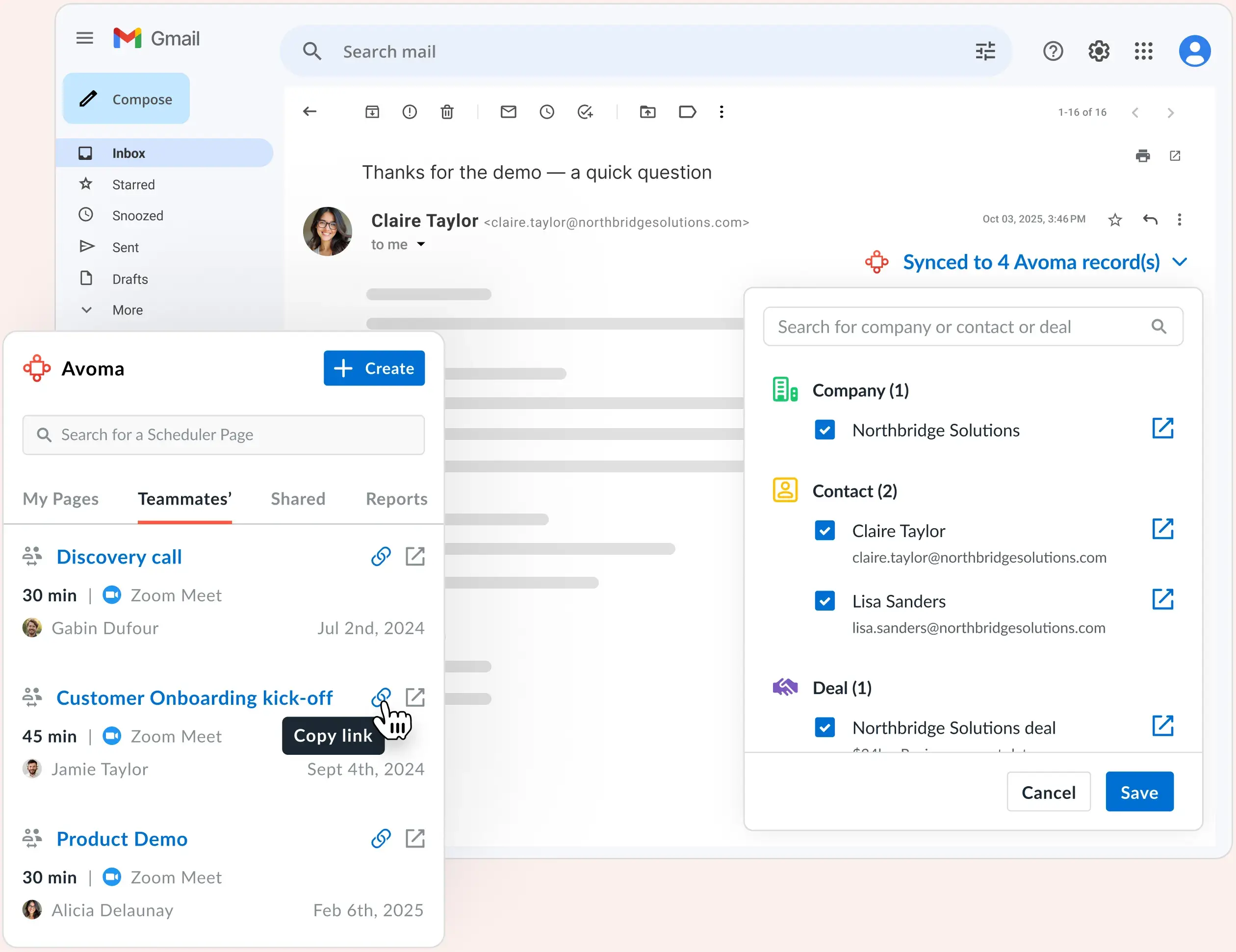
Instant scheduling links and flexible Google Meet recording with just one extension.
All your meetings, notes, and action items—across devices.