
Track booking conversion
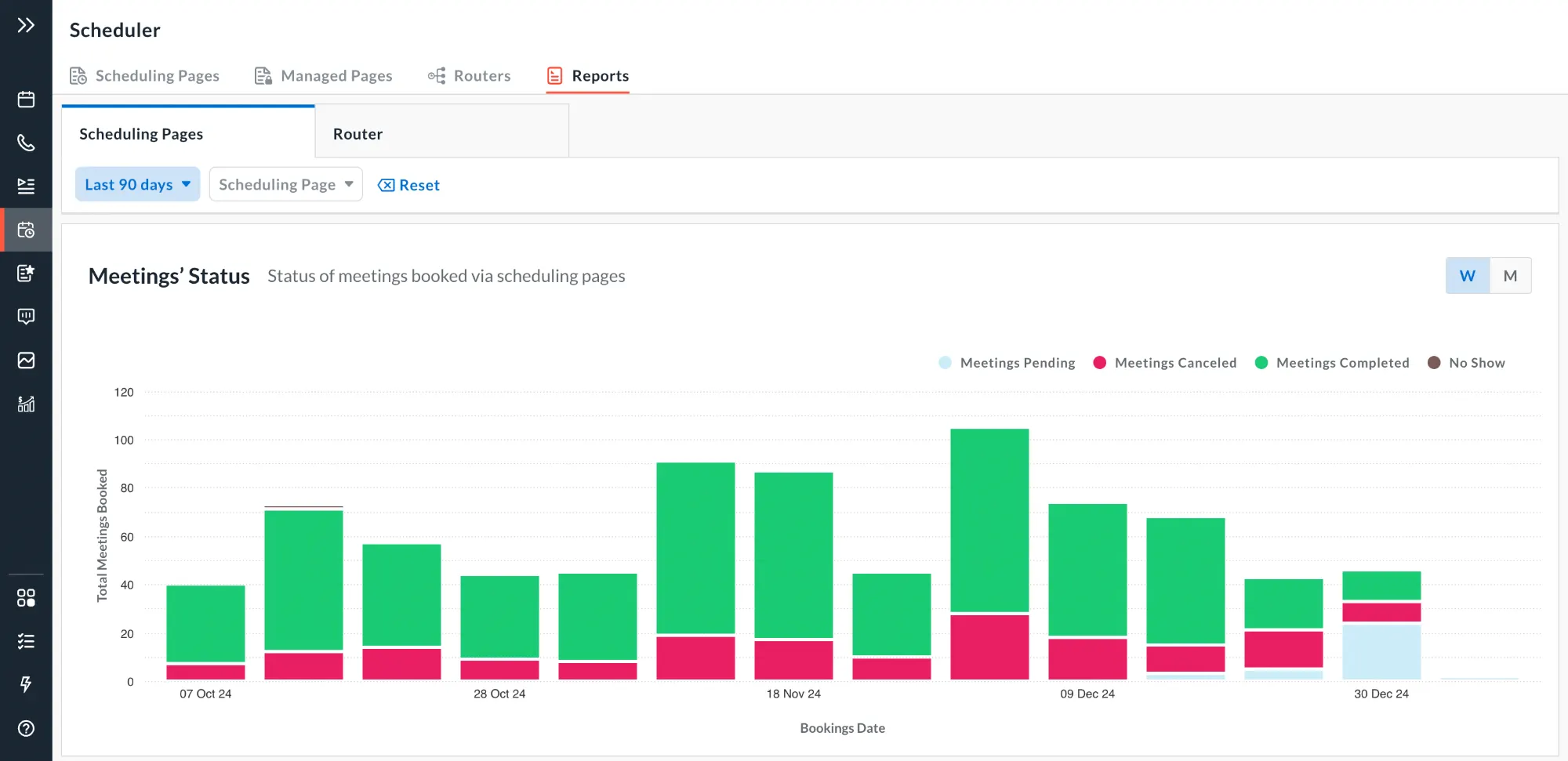
See how many people view and book each scheduling page, and where bookings drop.
Ways to get this done with Avoma
Pick the approach that fits how your team works. You can start with one and add another later.
How this works
Shown for:
- 1Trigger
On demand in Scheduler Reports
- 2Context
Avoma Scheduler uses scheduling page views and completed bookings
- 3Reason
Compare views and bookings for each scheduling page
- 4Act
Show views, bookings and booking rate by page
- 5Human judgment
RevOps decides which pages to improve
Native feature
Compare scheduling page views, completed bookings, and booking rates to understand which pages convert visitors into meetings.
What good looks like
Booking rate shows which pages turn visitors into meetings.
Compare pages with similar traffic
A few visits can swing a small page's rate by 20 points.
Fix the page with the most drop-off first
It holds the most meetings you're losing.
Check conversion after every change
You'll know whether the change helped.
Customer stories
What teams say
Avoma gave us everything we needed, without the complexity of Chili Piper.
More from this use case
Browse all Revenue Execution


What’s stopping you from turning every conversation into actionable work?


